 PlanetaView 360
Sharing
A 360 photo can be shared as a photo, a video or a web page, and published to Street View.
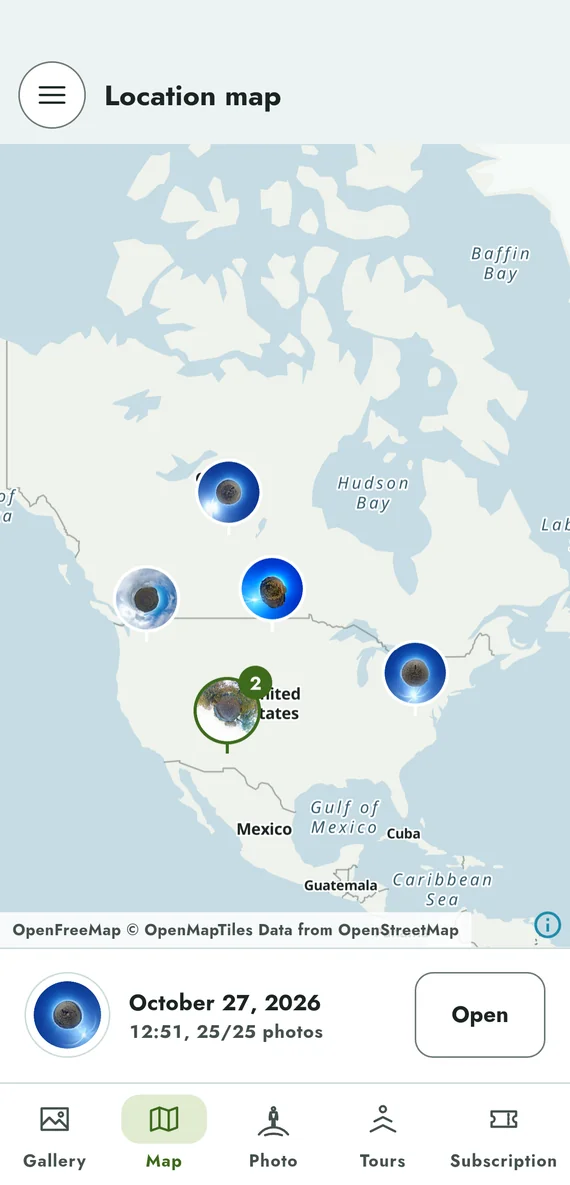
Publish to Street View
Publish a photo to Street View directly from the app, with your own Google account. The place is set on the app's map before sending. Access to the account is kept for 7 days, then removed by the app.
Photo, video and 360 web page
- The 360 photo itself.
- A video of the tour around the photo.
- A web page that opens the photo in 360 in any browser.
- The location is removed by default.
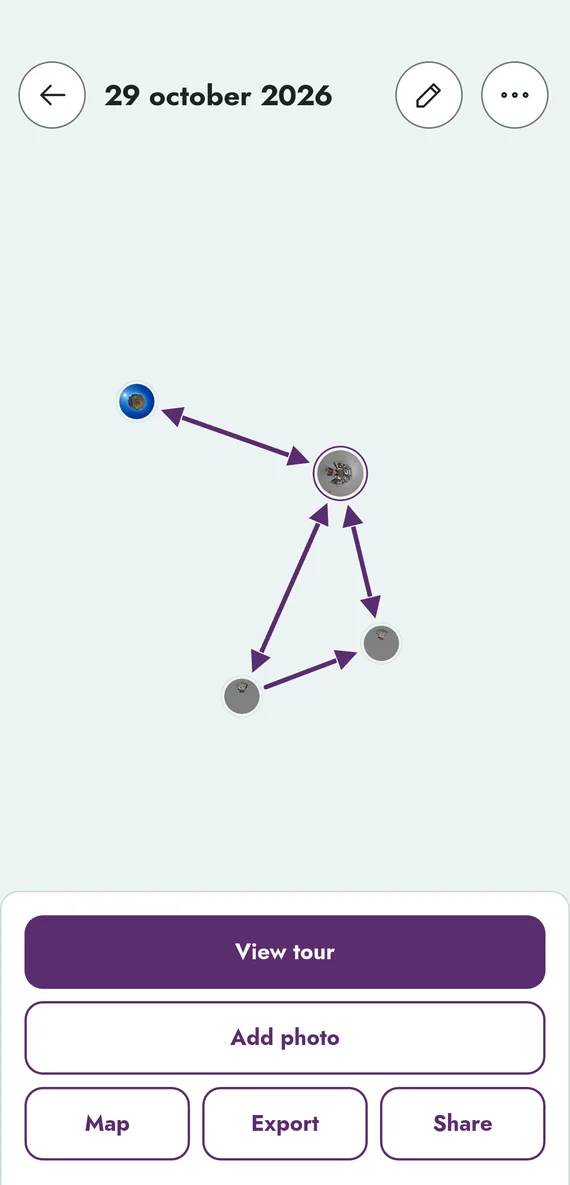
Virtual tours
With Ultra, 360 photos are linked by arrows on the ground. A tour is exported as a web page, krpano, KML, GPX or GeoJSON.